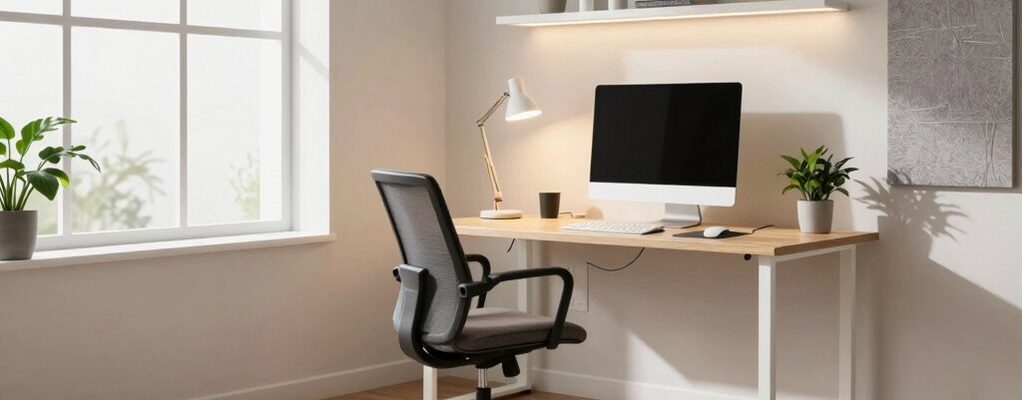
You can design a home office that actually works by mapping tasks to distinct zones, aligning sightlines, and keeping distractions at bay. Focus on a layout that supports flow, pair natural daylight with dimmable lighting, and add budget-friendly sound dampeners behind your desk. Every choice—furniture, finishes, textures—should feel intentional, not decorative. Ready to see how these details come together to sustain focus and comfort, one practical step at a time?
Optimizing Your Workspace Layout for Maximum Flow
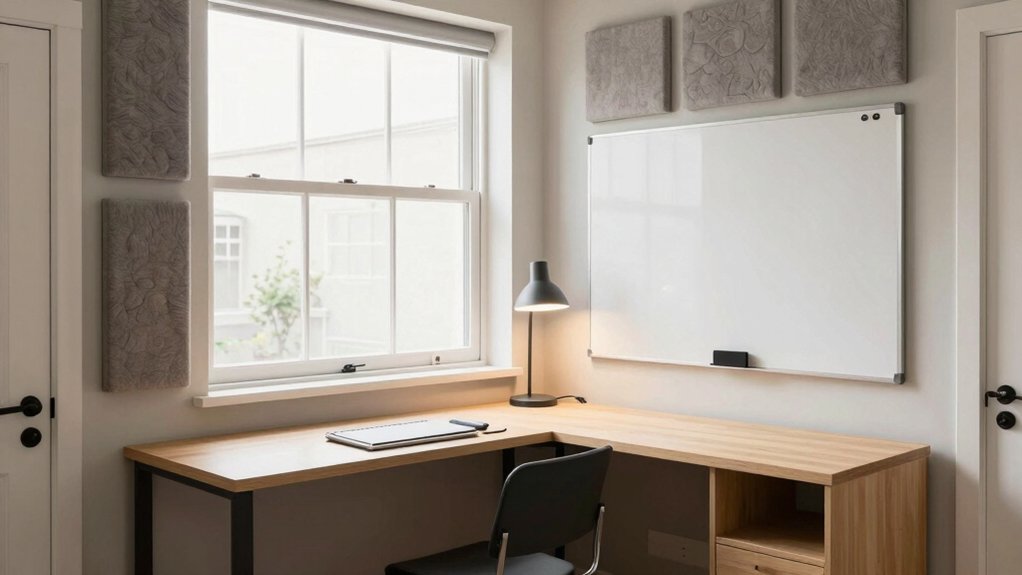
Creating a functional flow starts with mapping your tasks to your space. You’ll place duties by activity, designating zones for writing, researching, and presenting. Prioritize clear sightlines to screens and outlets, avoiding clutter that disrupts focus.
Keep a central traffic path wide enough for movement without interrupting work zones. Use a compact desk and a secondary surface for documents to reduce file pileups. Align storage with habitual sequences: intake, processing, and archiving.
Integrate your decorating style through purposeful accents that don’t steal attention, and harmonize color schemes to support calm concentration. Choose furnishings with soft edges and sustainable materials to minimize visual noise.
Label organizers, cords, and shelves for quick relocation, then test the layout at different times of day to confirm consistent flow.
Lighting Strategies That Boost Focus and Mood
You’ll optimize your light by aligning natural daylight with your work zones, using window placement and sheer coverings to keep glare at bay while your tasks stay clearly lit.
Balance ambient lighting with color temperatures that support focus and mood, so you don’t feel washed out or sleepy as you switch tasks.
Start by pairing natural light setup with a flexible, dimmable layer of ambient light to tune brightness and reduce eye strain throughout the day.
Natural Light Setup
Natural light isn’t a bonus; it’s a work tool. You shape it by understanding how it travels through your space and rewrites your cadence. Favor window placement that yields even illumination across work zones, minimizing harsh glare on screens while preserving depth and contrast in your surroundings.
Position your desk to capture soft, diffuse daylight during morning tasks, then rotate tasks toward lower-angle light as the day progresses. Use window treatments that tame intensity without deadening atmosphere—slatted shades or light-filtering panels let you sculpt brightness without sacrificing color accuracy.
Consider glare-reducing accessories, like anti-glare screens and matte desk surfaces, to keep focus steady. Track seasonal shifts, adjusting angles and coverings to sustain consistent mood and productivity.
Ambient Lighting Balance
Ambient lighting is the backbone of focus and mood in a home office. You balance ambient, task, and accent layers to avoid glare and fatigue, prioritizing a steady, glare-free wash across walls and surfaces.
Choose a color temperature that shifts with the day: cooler light for focus in the morning, warmer tones as you wrap up. Implement light dimming to tailor brightness to tasks, reducing eye strain during late sessions and preserving contrast for detailed work.
Use dimmable overhead fixtures and desk lamps with consistent color rendering. Position sources to minimize reflections on screens, while keeping a soft glow behind you for depth.
Regularly audit shadows and hotspots, refining placement until the balance feels natural, intentional, and calm.
Soundproofing on a Budget: Practical Solutions
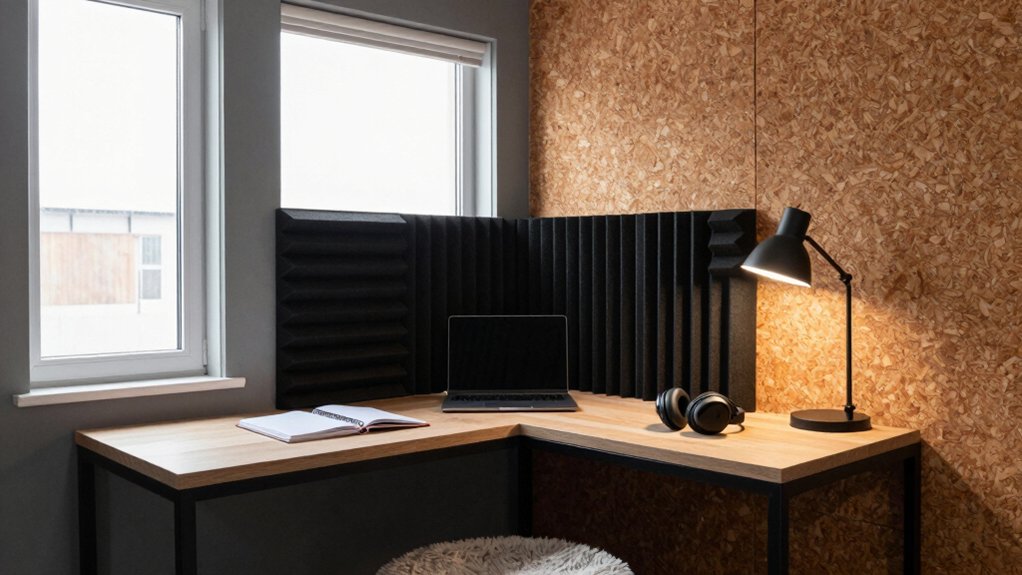
If you’re on a tight budget, practical soundproofing starts with targeted, low-cost fixes that yield real gains. You’ll start by sealing gaps around doors and windows with weatherstripping and draft stoppers. Then address echoes with simple soft furnishings.
Use rugs, curtains, and upholstered furniture to dampen sound reflections without overwhelming the room’s aesthetic. For wall noise, apply DIY solutions such as mass-loaded vinyl layers under thin panels or hang fabric/batting panels to absorb mid and high frequencies.
Consider inexpensive acoustic panels placed strategically behind your desk and near loud sources to reduce reverberation. Prioritize traffic paths and mechanical hums, choosing placement that minimizes transmission.
Track your progress with a simple decibel meter to confirm improvements.
Zoning Your Home Office for Efficient Task Management
To optimize task flow, define distinct zones for input, work, and delivery so each activity has a clear home.
Align wiring, lighting, and storage with how you move between them to minimize backtracking.
Start with simple boundaries and tighten them as you map your daily patterns.
Define Task Zones
Zone your workspace by designating distinct task areas—think a message-ready zone for planning, a deep-work area for single-focus tasks, and a quick-access spot for materials and reference.
Begin with task zone categorization, mapping each zone to activity and cadence. Define a clear zone boundary definition: visual cues, shelving, and subtle color shifts that cue transitions without friction.
Position the planning area near natural light and a whiteboard or digital planner, so you can capture ideas instantly.
Reserve the deep-work zone for uninterrupted focus, with acoustic treatment and a dedicated desk.
The quick-access zone houses manuals, cables, and frequently used references, kept within arm’s reach.
Ensure signage or labels reinforce function, not clutter, preserving a calm, efficient workflow.
Flow Between Areas
Flow between areas should feel intentional and effortless: progressions are built into the layout, not added on. You’ll create smooth transitions by aligning furniture paths with natural work rhythms, minimizing backtracking.
Define distinct zones—thinking, drafting, and filing—each connected by sightlines, drawer flow, and a clear underfoot rhythm. Use discreet separators, like a low bookshelf or recessed lighting, to demarcate, not disrupt.
Keep decorative accents purposeful: a single sculptural piece near the transition to cue focus shifts, while color schemes flow from one zone to the next with consistent neutrals and restrained accents.
Prioritize dense, quiet acoustics around the drafting area, and lighter textures near the filing nook to support cognitive load.
Guarantee cables disappear behind modular panels, preserving pristine lines and a cohesive, productive atmosphere.
Ergonomics and Comfort: Designing for All-Day Use
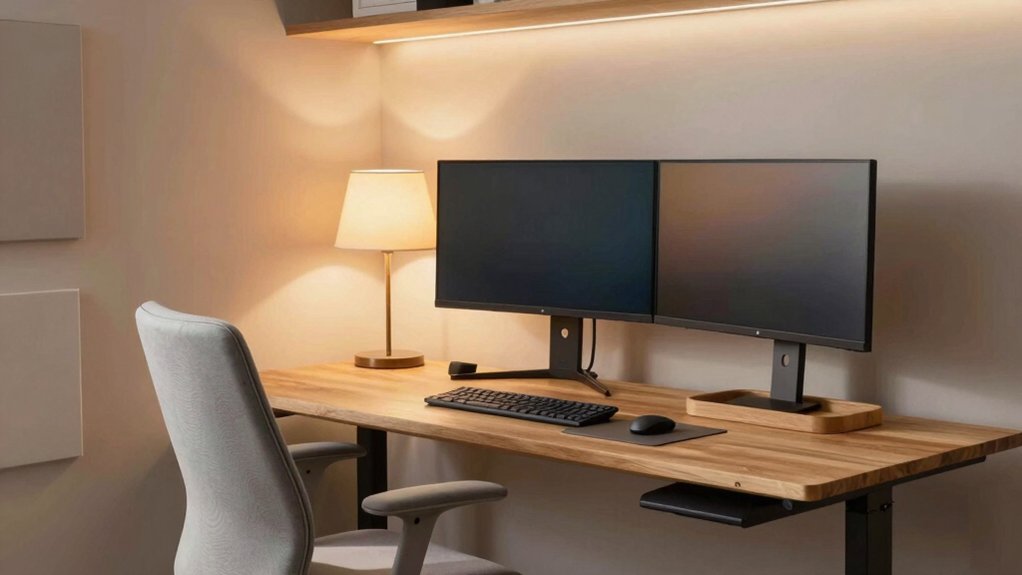
Good ergonomics aren’t a luxury but a foundation: when your desk setup supports neutral posture, you’ll stay comfortable for longer and reduce fatigue, headaches, and strain.
To start, choose ergonomic chairs that encourage lumbar support and natural alignment, with adjustable height, seat depth, and armrests that don’t pinch.
Pair these with adjustable desks that promote a smooth shift between seated and standing positions without sacrificing stability.
Prioritize a keyboard and mouse at elbow height, with wrists neutral and forearms parallel to the floor.
Screen placement matters: top line should be at or slightly below eye level, about an arm’s length away.
Add a footrest if needed, and organize cables for clean, uninterrupted movement.
Finally, tailor your setup for daily tasks to sustain comfort and focus.
Storage and Organization to Reduce Clutter
Keep clutter at bay by designating dedicated storage for every item you use daily, so your space supports focus rather than distraction. Choose a compact filing system for essential documents and a labeled container for quick-grab supplies. Prioritize vertical storage to free desk real estate, and mount shelves at eye level to reduce rummaging.
Implement thoughtful file storage: categorize by project, date, and priority, then purge monthly to prevent buildup. Integrate cable management near the workstation to keep power cords and adapters out of sight yet accessible. Use drawer organizers for pens, clips, and labels, so every tool has a home.
Maintain a simple, repeatable routine: return items to their place after use and reassess layout quarterly for continued flow.
Finishing Touches: Aesthetics That Enhance Productivity
Aesthetics aren’t garnish; they’re a productivity tool, shaping how you approach work each day. You curate finishes and textures that invite focus without distraction. Begin with a restrained color palette that reinforces your preferred contrast levels, then select decorative accents that cue routine—handwritten notes, a single sculpted object, and companion plants that don’t crowd the desk.
Align materials with your hardware and storage to avoid visual noise; matte surfaces reduce glare, while warm woods add calm. Personal touches should be purposeful: choose pieces that tell your story yet stay aligned with function, not sentiment alone.
Maintain order by rotating accents seasonally so they stay fresh without becoming clutter. The goal is intentional charm that reinforces, rather than interrupts, your workflow.