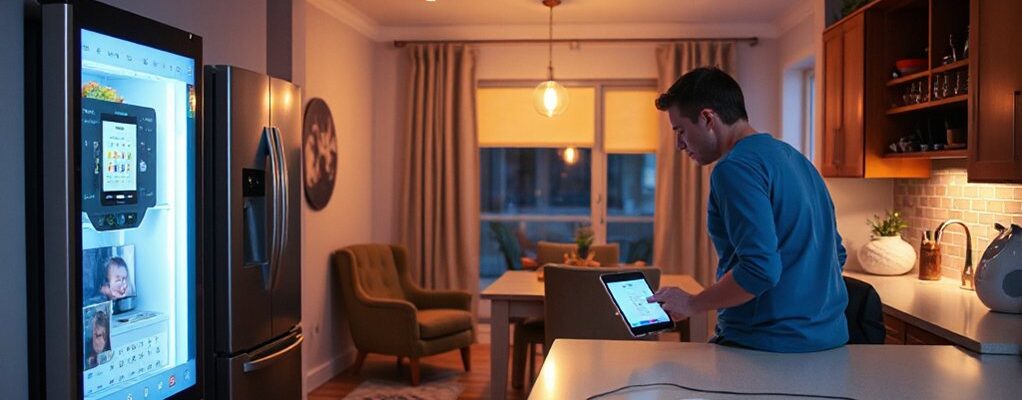
Smart homes for busy families should be reliable, simple, and proactive. You’ll want voice control for lights, climate, and locks, plus sensors that flag doors, windows, and motion anomalies. A centralized dashboard keeps status at a glance, while routines, geofencing, and calendar sync anticipate needs. The goal is a frictionless, energy-smart setup that scales with your family’s pace—and a clear path to smoother evenings; you’ll see the value soon after you start mapping your priorities.
Key Takeaways
- Voice assistants enable quick, hands-free control of lighting, climate, and door locks for busy families.
- Smart sensors monitor doors, windows, and motion to flag anomalies and missed departures.
- A single, consistent dashboard provides fast responses and clear status indicators across devices.
- Timed routines, geofencing, and easy setup ensure automation aligns with daily schedules without overpromising.
- Centralized hubs with intuitive UI, quick feedback, and reliable integrations streamline daily chores and security.
Must-Have Smart-Home Features for Busy Families
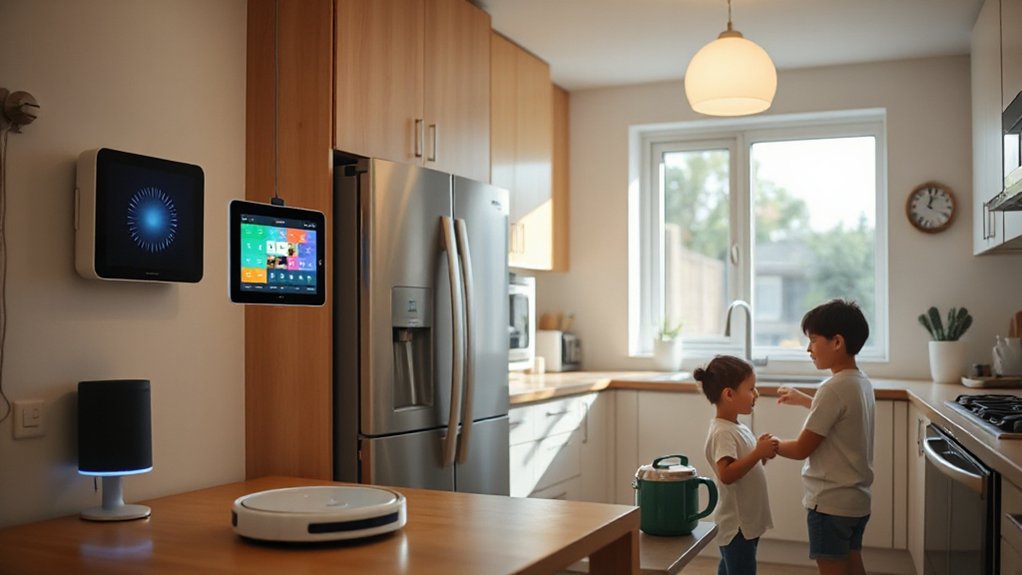
Smart-home features for busy families should simplify daily routines, not complicate them. You’ll want a concise core set that delivers reliable, tangible gains. Focus on voice assistants for quick, hands-free control—one prompt handles lighting, climate, and locks without hunting for apps.
Pair this with smart sensors that monitor doors, windows, and motion, flagging anomalies or missed departures. Design decisions should emphasize consistent UI, fast responses, and clear status indicators on a single dashboard.
Prioritize device interoperability and straightforward setup flows, so you don’t redesign your routines every month. Prioritize scheduling, routines, and geofencing that anticipate needs without overpromising.
Keep critical functions redundant in core rooms, ensuring essential visibility and control even during connectivity hiccups.
Automate Daily Chores for a Frictionless Home
Automating daily chores builds on reliable, reachable controls from the previous section by turning routines into hands-free actions. You set up workflows that trigger at specific times or events, removing manual steps without compromising control.
Design for reliability means single-room or centralized hubs with clear state indicators, rapid feedback, and predictable responses. Use voice commands to start laundry, run the dishwasher, or adjust lighting during cleanup without fumbling for apps.
Personalization matters: tailor routines to your family’s cadence—weekday mornings, after-dinner tidy, weekend reset—so actions align with real life.
Prioritize modular modules that scale, and document expected outcomes for each trigger. Test each routine under typical scenarios, then fine-tune timing and thresholds.
This keeps chores frictionless while preserving safety and privacy.
Safe and Kid-Friendly Security Controls
To keep your home secure without sacrificing family ease, design kid-friendly security controls that are clear, accessible, and tamper-resistant. You’ll prioritize intuitive layout over bells and whistles, so family members of all ages can operate it confidently.
Use Child proof locks on cabinets, drawers, and utilities, pairing them with simple tactile indicators for quick recognition. Position critical controls at reachable heights and label them with high-contrast icons.
Choose Voice activated controls that require a secondary confirmation, preventing accidental arming or disarming.
Implement an elevated permission tier for children, restricting access to sensitive areas while offering supervised routines.
Integrate simple one-glance status indicators and audible confirmations to reduce uncertainty.
Regularly test defaults and update firmware to maintain reliability and safety.
Smart Energy: Cut Bills With Home Automation
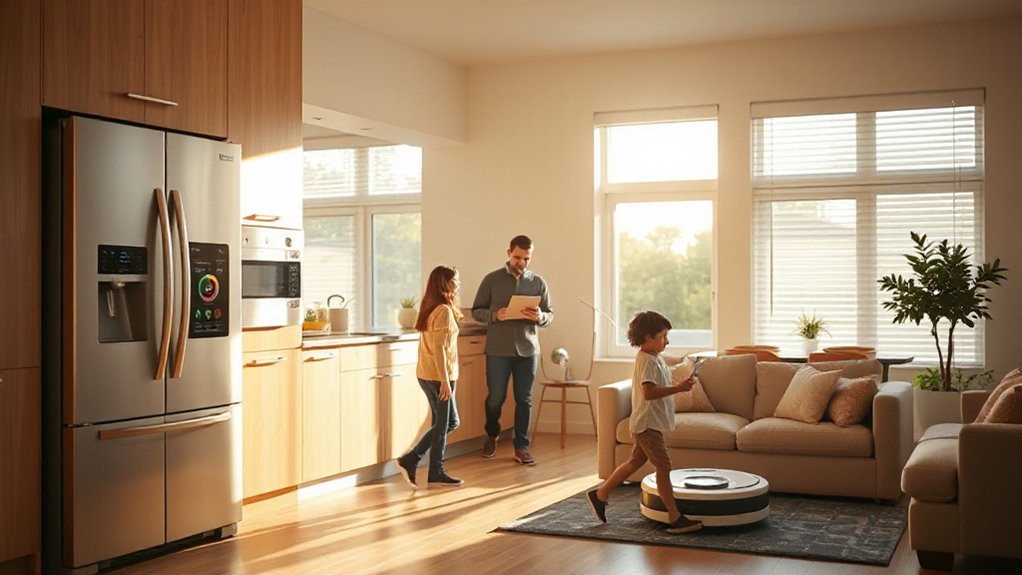
Smart energy savings start with a clear plan: automate where it matters most and keep control simple. You’ll design a streamlined system that targets daily habits and seasonal shifts, reducing waste without compromising comfort.
Start with a smart thermostat that learns your routines and prioritizes energy efficiency during peak rates. Add smart plugs to shift idle devices into sleep mode automatically, and choose LEDs with integrated dimming for consistent lighting quality.
Use occupancy sensors in high-traffic zones to suppress unnecessary lighting and heat when rooms are empty. Monitor energy dashboards to spot inefficiencies and adjust schedules in real time.
The outcome: bill reduction through precise automation, without sacrificing convenience or performance.
Calendar Sync and Shared Routines for the Family
With a family calendar and shared routines in place, coordinating daily activities becomes straightforward and reliable. You’ll synchronize schedules across devices, viewable by everyone, so no one double-books. Calendar sync supports school events, sports, and appointments, linking to reminders that prompt earlier preparation.
You’ll set routines that span mornings, after-school hot spots, mealtimes, and bedtime, reducing decision fatigue and friction. This design-focused approach keeps information visible and actionable, not cluttered, with color‑coded categories for family scheduling clarity.
Shared routines anticipate shifts, so you move from one activity to the next with minimal delay. Automatically updated entries reflect changes in real time, maintaining consistency for all members.
The result is cohesive, predictable flow, enhanced by routine management that scales as your family grows.
Setup, Maintenance, and Quick Troubleshooting
A solid setup starts with a clean, centralized control hub and clearly labeled device groups, so you can reach the right settings without hunting through menus. You’ll keep maintenance simple by scheduling quick checks: confirm firmware updates, verify Wi‑Fi strength, and test routines on a rotating basis.
Design-wise, place the hub where signal is strongest, yet out of sight for a clean, tidy look.
For daily use, rely on voice commands to adjust lighting scenes, climate presets, and media playback, reducing app clutter. Keep a universal remote control handy for quick tweaks during busy mornings.
When issues arise, run a quick diagnostics check, reset one device at a time, and document any recurring glitches. This disciplined approach minimizes downtime and preserves a seamless smart-home rhythm.
Scalable Upgrades for Growing Home Needs
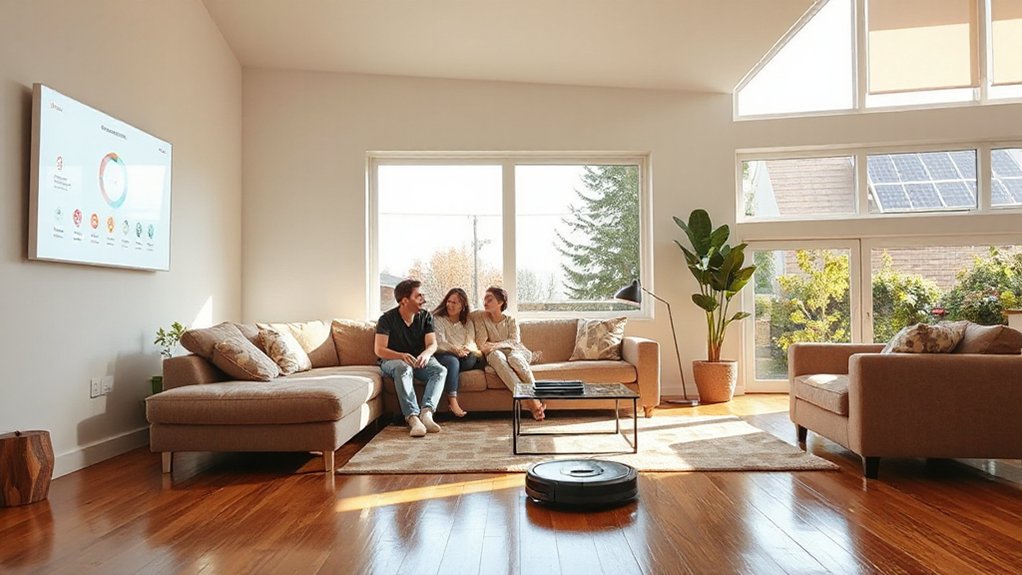
As your home evolves, plan for scalable upgrades that glide into existing systems without disruption. You’ll design with modular components, so adding sensors, cameras, or speakers stays clean and cohesive. Favor expandable systems that match current wiring and power layouts, minimizing rework and downtime.
Prioritize platform-agnostic devices that support open standards, easing future integration. Map a growth path—start with core hubs, then layer automation rules and scenes as needs shift. Embrace future proofing updates by choosing firmware-friendly hardware and consistent software ecosystems.
Keep aesthetics consistent: discrete enclosures, matching finishes, and concealed cabling. Document planned expansions, budget cycles, and upgrade milestones to avoid ad hoc buys. This disciplined approach delivers reliable performance, easier maintenance, and a cohesive, scalable smart home.
Frequently Asked Questions
How Do I Choose Devices Compatible With Multiple Ecosystems?
To choose devices compatible with multiple ecosystems, prioritize broad Device integration and known ecosystem compatibility.
Start with hub- or platform-agnostic products, then verify AI assistants, apps, and routines work across systems.
Check protocol support (Matter, Wi‑Fi, Zigbee, Thread) and guarantee cloud services won’t lock you in.
Favor devices with open APIs and regular firmware updates.
Test automation flows in your setup, and prefer manufacturers known for robust cross‑ecosystem support.
Can Smart Tech Help With Remote Caregiving and Monitoring?
Yes—you can. Imagine a caregiver receiving a real-time alert if grandma’s fall detector trips, enabling remote health monitoring without constant checks.
You set up motion, door, and med‑dispense sensors, plus a caregiver alert dashboard. When something’s off, you act immediately, even from work.
Remote health data stays secure, accessible, and easy to review. You’ll appreciate consistent visibility, faster responses, and a calmer daily routine.
What Privacy Controls Are Essential for Families?
You should enable robust privacy settings and parental controls on every device. Start with account-level privacy, disable unnecessary data sharing, and review app permissions monthly.
Use strong, unique passwords and two-factor authentication.
Implement parental controls to restrict content, screen time, and app access for kids, while ensuring transparency for caregivers.
Regularly audit connected devices, update firmware, and keep logs.
Design-focused tip: centralize controls in a single dashboard for quick, consistent privacy management.
How Can We Budget for Ongoing Smart-Home Maintenance?
Budget for ongoing smart-home maintenance by setting a monthly allotment you actually track. You’ll prioritize maintenance tips, schedule quarterly checkups, and reserve funds for updates and potential repairs.
Allocate funds for warranties, cloud services, and replacements, then review receipts and adjust.
You’ll keep a simple, design-focused plan: small, repeatable actions that prevent big failures.
Embrace one playful anachronism early, imagine a steam-powered hub. This keeps you disciplined, practical, and forward‑looking in budget planning.
Do Smart Hubs Support Offline Operation During Outages?
Yes, some smart hubs offer offline functionality during outages, but it varies by model. You’ll want a hub with local processing and fallback rules, so devices keep behaving without the cloud.
Rely on a robust power backup, like an uninterruptible power supply, to maintain critical automations. Make certain scenes run locally, and consider redundant connectivity (Ethernet/Wi‑Fi mesh) for resilience.
Test regularly and document startup behaviors, so you know what remains active when power or internet drops.
Conclusion
Imagine a home that anticipates your day, like a trusted co-pilot. With hands-free control, automated routines, and kid-friendly safety, your space runs smoother—and faster. You’ll save time, cut bills, and stay secure, all through a simple, design-focused dashboard that actually makes sense. Start with core automations, then scale as your family grows. Think modular, reliable, and intuitive—a system you barely notice until it’s quietly doing the heavy lifting, like a well-tuned machine.