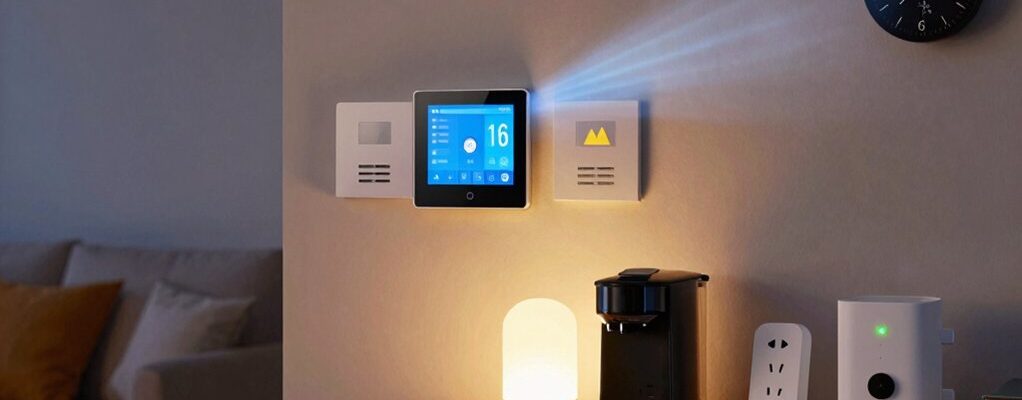
Automating your thermostat, lights, and plugs trims energy waste by adapting to your routines and occupancy in real time. Smart thermostats learn your schedule, update settings gradually, and use weather data to keep comfort steady while cutting heating and cooling costs. Occupancy sensors shut off unused lights and devices, and smart plugs consolidate idle gear, preventing standby energy drain. Build simple routines that switch off systems when you’re out and adjust with daylight. Stay practical—more efficiency tips await.
How Automation Helps You Cut Energy Costs
Smart automation helps you trim energy use without sacrificing comfort. By syncing your thermostat, lights, and plugs, you target waste where it hides—idle devices, empty rooms, and unnecessary overnight operation.
You gain consistent climate control, lighting only when needed, and scheduled shutoffs that align with your routines. The result is practical: fewer peak charges, steadier temperatures, and less energy you don’t notice until the bill arrives.
Automation supports cost effective upgrades that fit your budget, such as smart plugs and efficient sensors, delivering comfort while avoiding costly renovations.
As you adopt these tools, you’ll see utility bill reduction without compromising your daily rhythm. You belong to a smarter, more efficient home you’re proud to share.
How Smart Thermostats Learn Your Schedule
Smart thermostats don’t just follow a fixed schedule; they observe your routines and gradually adjust to them. You gain a personalized comfort baseline without micromanagement, thanks to learning algorithms that infer your typical days and preferences.
By combining fast feedback with simple controls, you stay in control while the device fine-tunes itself. Use these practical habits:
- Leverage voice control to tweak temps on the fly without digging through menus.
- Let weather integration handle outdoor factors, reducing waste when conditions shift.
- Review weekly patterns and adjust thresholds for mornings and evenings.
- Add occupancy or presence hints to reinforce accurate learning over time.
The result is steady comfort, energy savings, and a sense of belonging to a smarter, responsive home.
Stop Idle Watts With Occupancy Sensors
Occupancy sensors cut idle watts by turning devices off when rooms are empty. You’ll notice immediate effects in everyday spaces—living rooms, offices, and bedrooms where lights, plugs, and entertainment gear often sit idle.
By detecting presence, these sensors prevent phantom draw without you lifting a finger. You’ll configure a comfortable timeout so lights brighten when you enter and smoothly dim or turn off when you leave.
This not only reduces wasted energy but also reinforces mindful habits, making energy savings feel natural and achievable. Choose reliable sensors with clear occupancy vs. vacancy modes and compatible wiring for your setup.
With correct placement and simple rules, you’ll consistently minimize idle watts while preserving convenience and a sense of belonging in your home.
Smart Lighting That Actually Saves You Money
Upgrading to energy-saving bulbs matters because lower operating costs start at the light you use every day. Use smart zonal lighting to tailor brightness where you are, reducing waste and bills.
This isn’t extra tech fluff—it’s practical control that compounds savings across your whole home.
Energy-Saving Bulbs Matter
Energy-saving bulbs matter because they cut utility costs without sacrificing brightness or comfort. You’ll see clearer lighting that helps you feel more present at home, while steady performance boosts your sense of control.
- Light color matters: choose neutral to warm tones that match tasks and mood.
- Bulb lifespan: opt for long-lasting models to reduce replacements and waste.
- Efficiency: pick high-lumens-per-watt for bright rooms without spiking bills.
- Compatibility: verify dimmers and smart hubs to avoid flicker and ensure smooth automation.
Smart Zonal Lighting
Building on energy-saving bulbs, smart zonal lighting lets you tailor light to where you actually need it. You’ll set zones for living areas, workspaces, and hallways, so you illuminate only occupied spaces. This approach reduces waste, because lighting follows your real patterns, not generic schedules.
With energy zoning, you define brightness by need, auto-adjusting to daylight and activity. You gain faster task lighting at desks, softer ambiance in lounges, and bright safety lighting at entryways, all controlled from a single app or smart switch.
The result is immediate cost awareness: predictable bills, fewer bulbs running, and less heat added to rooms you’re not using. In short, zonal lighting is practical, scalable, and inclusive for households aiming to save energy together.
Power Strips and Smart Plugs for Real-Time Control
Power strips and smart plugs let you monitor and control devices in real time, so you can cut standby power and respond to changes instantly. You’ll gain practical control, reduce waste, and feel confident in your energy habits.
- Use power strips to consolidate outlets and shut down idle gear with a single switch.
- Program smart plugs to automate lamps, chargers, and small appliances based on schedules.
- Create scenes that adjust multiple devices at once for mornings, evenings, or work-from-home hours.
- Monitor usage trends to fine-tune where you plug in for maximum efficiency.
Together, they offer immediate feedback and clear accountability, helping you stay logged into a smarter, more efficient home.
Building a Practical Daily Energy-Saving Routine
Start by establishing clear daily routines that align with your energy goals. Use scheduled automation to lock in these habits, like lights off at bedtime and thermostat adjustments during peak hours.
Keep routines simple and review them weekly to make sure they’re reducing waste without hurting comfort.
Establish Daily Routines
To save energy daily, you should establish simple, repeatable routines that automate essential actions—lights off, thermostat adjustments, and unplugged idle devices—so you don’t have to remember them every day. Establishing these habits boosts energy monitoring accuracy and user engagement, creating a confident, belonging-focused environment.
- Set a morning and evening switch-off cadence to minimize standby drain.
- Program thermostat shifts for typical wake/sleep cycles, adapting with seasons.
- Group plug loads into a single routine to avoid phantom consumption.
- Review daily energy metrics and adjust routines for efficiency gains.
These routines keep you aligned with your goals, reduce decision fatigue, and reinforce a shared commitment to conservation.
Schedule Smart Automation
Smart automation hinges on a practical daily routine: you schedule actions that align with your energy goals and actual habits, so lights, thermostats, and plugs adjust before you even think about them. Schedule smart automation by building routines that mirror real life: wake, work, and rest patterns become automated checks, not reminders.
Use remote sensors to confirm room presence and occupancy detection to adjust climate and lighting without manual input. Set clear thresholds—when occupancy is low, dim lights, reduce heat or cooling, and power down idle devices.
Integrate calendars and behavior insights to tighten efficiency without sacrificing comfort. Test and refine weekly, documenting gains. This practical cadence creates lasting energy wins and a sense of shared purpose within your home.
Real-World Savings: Case Studies and Numbers
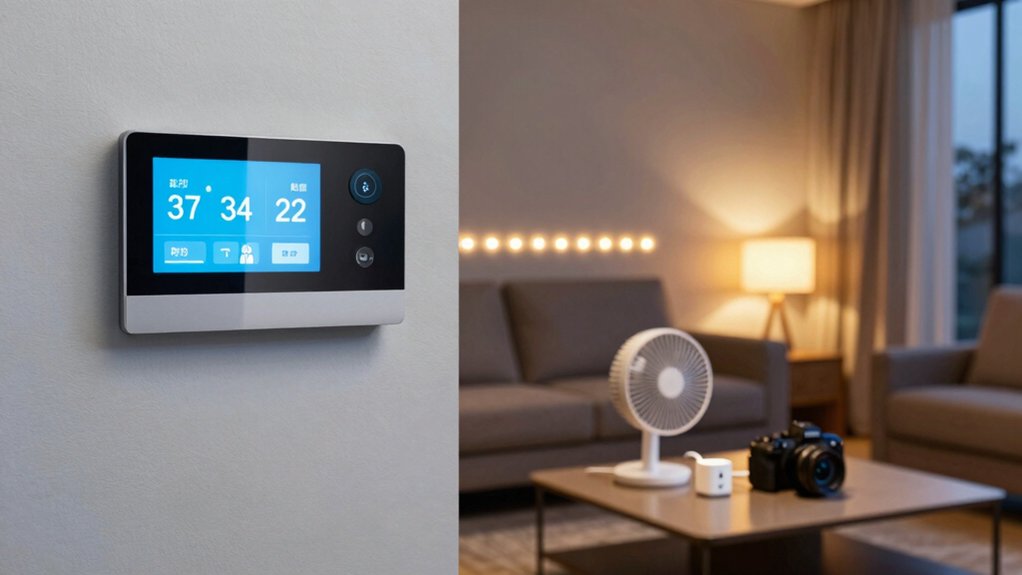
Real-world savings vary, but case studies show measurable cuts from automation: thermostats, lights, and plugs routinely trim energy use by 10–30% depending on habits and occupancy.
1) Case results show steady drops in electricity use when you program routines around wake and bed times, maximizing appliance efficiency while supporting renewable energy goals.
2) Homes with smart plugs report consistent reductions by turning off standby power, sharpening overall consumption without sacrificing comfort.
3) Occupancy-based automations align heating and cooling with actual presence, boosting efficiency while you maintain control.
4) Across datasets, users gain clearer visibility, enabling informed choices that sustain energy discipline and community-friendly, sustainable living.
Real-world gains prove you deserve belonging in a smarter, responsible energy future.
Quick Setup Tips to Avoid Common Pitfalls
Starting out, keep your goals clear and start small: pick one area to automate—thermostat, lights, or plugs—and test for two weeks before expanding.
Quick setup tips help you avoid common pitfalls and stay confident. Use wireless sensors to monitor room activity and adjust routines automatically, so you don’t overcorrect or waste energy.
Keep voice commands simple and consistent, with clear phrases like “turn off here” or “lower temperature by two degrees.” Label devices and rooms logically to prevent mixups and ease future tweaks.
Avoid overcomplicating schedules; one automation at a time reduces errors. Test changes during sensible windows, and document what works.
Stay present, track results, and celebrate small wins as you feel a growing sense of belonging within your smarter home.
Troubleshooting and Long-Term Optimization
As you expand automation, expect surprises and plan for them. Troubleshooting and long-term optimization keep your setup reliable and cost-effective, so you stay in control and feel included in the community of savvy users.
When issues arise, stay calm, document symptoms, and follow clear steps to restore trust in your system. Tackle potential slowdowns, missed schedules, and device drops by validating connectivity, power, and compatibility.
- Check hardware malfunctions: reseat connectors, test outlets, and confirm device LEDs indicate proper power.
- Prioritize firmware updates: enable automatic updates when possible and review changelogs for savings and stability.
- Revisit rules and schedules: simplify automations to reduce conflicts and ensure predictable performance.
- Verify security posture: change default credentials, enable two-factor access, and audit sharing permissions.
Frequently Asked Questions
How Do I Secure My Smart Home From Hacking Risks?
You secure your smart home by reinforcing network security and device authentication, staying updated, using unique passwords, enabling two-factor authentication, isolating IoT devices on a guest network, and regularly reviewing access logs for unfamiliar activity.
Which Devices Save the Most Energy for My Space?
Energy efficient devices save the most energy for your space, especially smart thermostats and energy-star plugs. Monitor device energy consumption, prioritize high-usage zones, and automate schedules. You’ll belong to an efficient community by choosing these proven options.
Do Smart Plugs Affect My Electricity Bill Differently?
Smart plugs can alter energy consumption based on usage, but your bill mainly depends on device compatibility and how you schedule loads; choose compatible devices, monitor consumption, and optimize routines to keep energy costs predictable and low.
Can Automation Interfere With My Comfort or Health Needs?
A hypothetical case: you might worry automation interferes with comfort. It won’t if you keep manual override handy and check device compatibility; you’ll stay cozy while schedules respect your needs and routines.
What’s the Fastest ROI From Thermostat and Lighting Automation?
A smart thermostat and lighting schedules offer the fastest ROI, since you cut daily usage first. You’ll feel included in smarter living as you automate comfort, reduce waste, and watch energy bills drop quickly.