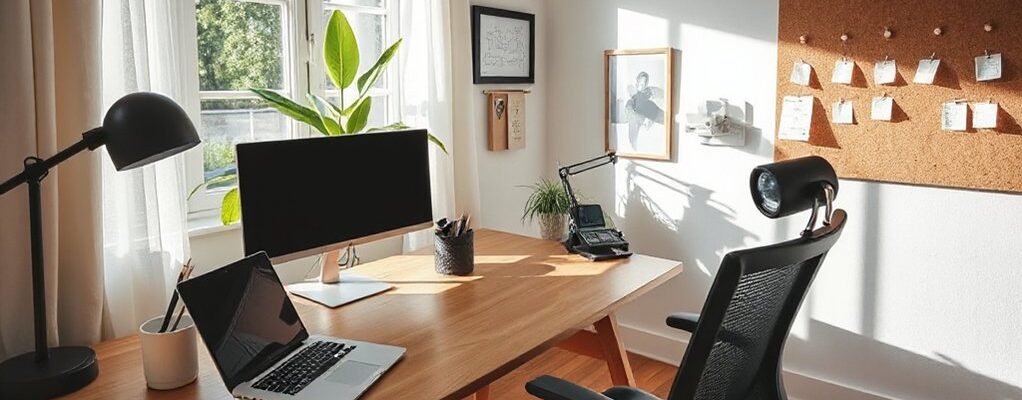
To design HMO spaces that appeal to remote workers, zone your home into crisp work, living, and social areas with clear boundaries and flexible furniture. Prioritize ergonomic, budget-friendly setups, modular desks, and adjustable lighting to boost focus. Sound-smart layouts and acoustic panels reduce fatigue in shared spaces, while multi-purpose furniture saves space and sparks joy. Guarantee climate control and safety compliance to keep tenants comfortable and compliant. Keep upgrading with cost-efficient renovations to stay competitive and attract long-term tenants. If you keep exploring, you’ll uncover more practical tweaks.
Define Your HMO Workspace Goals for Remote Work
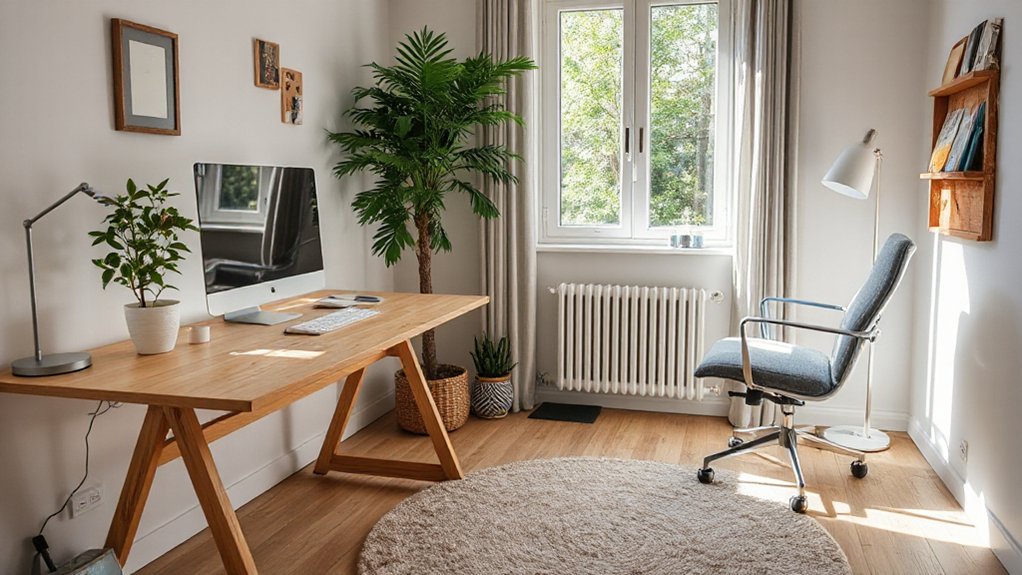
To define your HMO workspace goals for remote work, start with a clear picture of what you need to achieve. You’ll map tasks, outputs, and timelines to anchor decisions about space, tech, and schedule.
Establish measurable targets: hours of deep work, project milestones, and response time. Identify your core productivity zones—quiet, focused areas for heads-down work—and designate separate spaces for collaboration and breaks.
Set practical workspace boundaries that accommodate roommates, guests, and ongoing maintenance while preserving efficiency. Align furniture, lighting, and acoustics with these goals to minimize friction and rework.
Track progress weekly, adjust as market conditions shift, and communicate boundaries upfront. Your HMO should balance comfort with productivity, supporting consistent, high-quality results in a compact, adaptable footprint.
Zone Your HMO: Create Clear Work, Living, and Social Areas
Zone your HMO by clearly separating work, living, and social zones so each function has its own space and rhythm. You’ll boost focus, balance, and resale appeal with deliberate zoning, not clutter. Use personalized decor to mark progressions—slightly different lighting, color accents, or textiles—to cue each area without isolating you.
Clear delineation helps you switch mindsets between tasks, meals, and connections, maximizing daily productivity and downtime. Prioritize flexible layouts that adapt as needs shift, keeping traffic flows intuitive and conversations natural in social zones.
- Define a dedicated work alcove with adjustable lighting
- Use visual dividers to separate living from work areas
- Incorporate personalized decor for mood and motivation
- Create distinct social zones for guests and family
- Invest in versatile furniture that serves multiple functions
Budget-Friendly Ergonomic Setup for Comfort
You’ll start with ergonomic workspace basics and budget-smart upgrades that make daily tasks feel effortless. Think chair support, monitor height, and keyboard placement that minimize strain without breaking the bank.
This approach keeps comfort scalable as your HMO evolves, meeting current trends and value-focused needs.
Ergonomic Workspace Essentials
Looking for a budget-friendly way to boost comfort and productivity? You’ll optimize your setup with essential Ergonomic accessories that deliver measurable gains. Prioritize support that aligns your spine, wrists, and hips for sustained focus and fewer breaks.
Build a compact, modifier-friendly desk zone and balance light, sightlines, and keyboard reach to reinforce posture tips, without clutter. This approach markets a practical, durable vibe, appealing to value-minded remote workers who crave efficiency.
- Adjustable chair with lumbar support
- Keyboard tray or wrist-friendly keyboard
- Monitor stand aligned at eye level
- Footrest for neutral leg posture
- Document holder to reduce neck strain
Budget-Savvy Comfort Upgrades
If you’re aiming for comfort without breaking the bank, start with a few targeted upgrades that deliver measurable gains. A compact chair with lumbar support and adjustable height pays dividends for posture and focus.
Pair it with a desk that fits your space and keeps wrists neutral during long sessions. Introduce a keyboard and mouse that glide, reducing strain during multi-hour tasks.
For ambiance and focus, implement creative lighting options that balance brightness and warmth without glare. Use budget decorating tricks—wall hooks, fabric panels, and color accents—to define zones and reduce visual fatigue.
Add a budget-friendly footrest and a breathable chair mat to protect floors. These moves optimize comfort, sustain energy, and align with current office-productivity trends.
Sound-Smart Layouts for Shared HMO Spaces
When designing shared HMO spaces, prioritizing sound-smart layouts minimizes noise transfer and maximizes livability from day one. You’ll optimize flow, zoning, and client-facing work nooks to cut distractions and support remote productivity. Core ideas center on practical sound dampening and strategic lighting cues to reduce auditory fatigue.
- Use zones with visual dividers and soft boundaries to separate work, sleep, and social areas.
- Place desks away from communal speakers and entry doors to limit intrusion.
- Implement sound-absorbing panels and carpets at key touchpoints.
- Integrate Lighting automation to cue focus and wind-down periods.
- Schedule quiet hours with clear, visible reminders and flexible room-use options.
Soundproofing ideas and Lighting automation become core levers for tenant satisfaction and market appeal.
Multi-Purpose Furniture That Saves Space and Sparks Joy
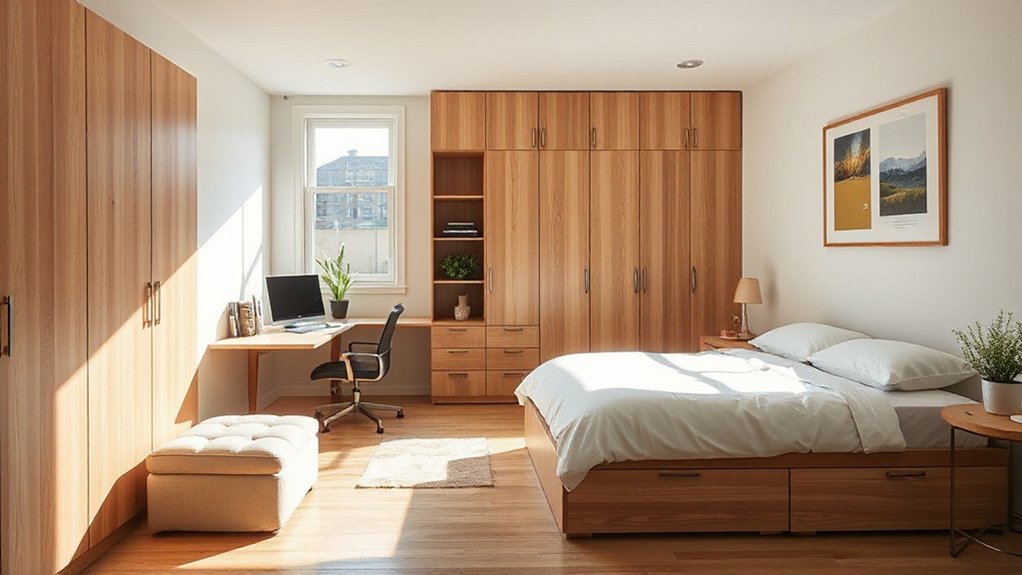
Multi-purpose furniture isn’t just a space saver—it’s a design lever that boosts livability and buyer appeal. In today’s market, you’ll prioritize pieces that adapt to remote work, study, and rest without clutter.
Think modular desks that fold into wall panels, ottomans with hidden storage, and sleeper sofas that preserve floor flow. You gain flexibility, and so do tenants, who value space saving solutions that don’t compromise style.
Choose silhouettes with clean lines, muted finishes, and durable hardware to withstand daily use. Prioritize production that allows quick reconfiguration, so rooms can shift from work zones to relaxation zones in seconds.
This approach signals value, encourages longer tenancy, and aligns with fast-moving interior trends in multi functional furniture.
Storage Hacks for Tiny HMO Rooms
Maximize every square inch with smart, scalable storage solutions that fit the compact realities of HMO rooms. You’ll reclaim floor space using recessed shelves, under-bed drawers, and modular wall-mounted units that blend with your decor.
Double-duty furniture keeps essentials accessible without clutter, while clear bins and labeling speed daily routines.
Prioritize pet friendly spaces by using washable organizers and removable covers that resist fur and spills.
For outdoor workspace options, install weatherproof storage near balconies or patios to offload tools and paperwork.
Choose vertical genius—tall shelving, pegboards, and magnetic strips. Keep cords tidy with cable sleeves and outlet strips.
- Recessed, modular shelving
- Under-bed drawers and totes
- Wall-mounted pegboards
- Clear, labeled categories
- Outdoor-accessible storage near work zones
Desk Lighting for Productivity and Mood
From a productivity standpoints, you’ll want desk lighting that hits the right metrics—lumens, color temperature, and glare control—to support focus all day.
Mood-boosting illumination isn’t fluff: tunable white and daylight simulations can elevate energy and mood during study blocks and late sessions.
We’ll explore practical configurations and market-ready options that balance efficiency, aesthetics, and cost.
Desk Lighting Metrics
- Lighting ambiance targets by zone
- Desk illuminance benchmarks
- CRI and color stability
- Glare and flicker controls
- Dimming and zoning strategy
Mood-Boosting Illumination
Use layering: key light for clarity, ambient glow to reduce fatigue, and accent cues to guide flow between work zones. Select adjustable LED fixtures with tunable white (2700K–6500K) and dimmable controls, so you respond to circadian cues and market demand for adaptable spaces.
Prioritize glare-free sources and color-rendering index (CRI) above 90 for accurate visuals. Incorporate smart presets that switch with the hour or activity.
Mood lighting isn’t ornament; it’s productivity infrastructure, reinforcing focus, reducing strain, and signaling a professional, welcoming environment for remote-work tenants.
Color and Decor That Reduce Stress and Boost Focus
Neutral tones and purposeful accents can markedly lower stress while sharpening focus in an HMO room, so prioritize color palettes that feel balanced and timeless. You’ll leverage color psychology to cue calm or concentration, pairing soft neutrals with restrained, strategic decor accents.
- Use calm blues or greens as wall tones or accents to steady attention.
- Introduce warm wood or charcoal details for contrast without overstimulation.
- Choose decor accents in subdued hues to unify zones and minimize distractions.
- Add a single, bold focal piece to guide the eye without clutter.
- Balance texture: matte paints with tactile fabrics for depth and serenity.
This approach keeps spaces market-ready, aligns with current design trends, and supports sustained productivity.
Tech Essentials for a Seamless Remote Day
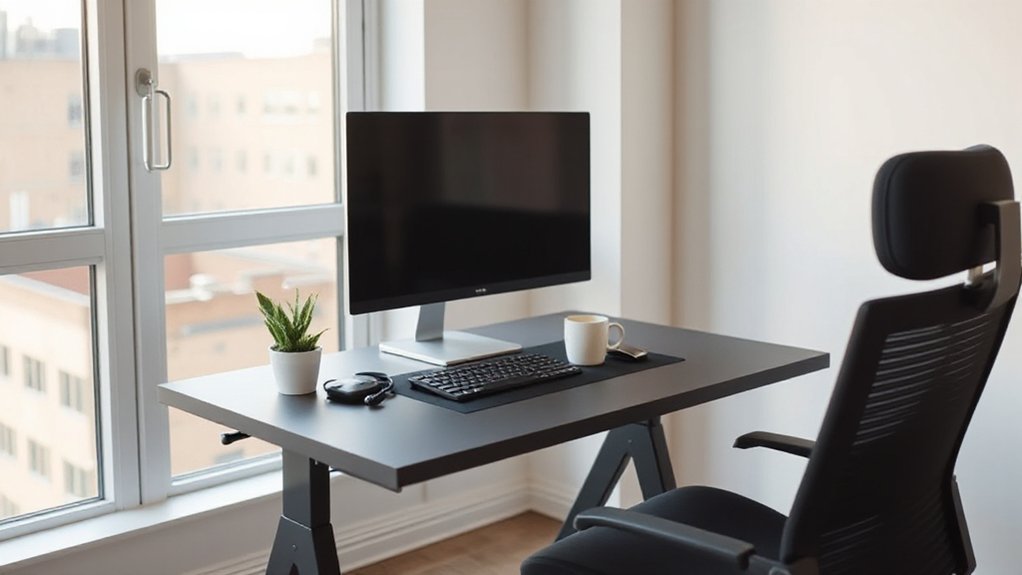
A calm, focused workspace sets the stage for a productive remote day, and that means arming your space with reliable tech that minimizes friction. You should prioritize a performance-ready USB-C hub, fast Wi‑Fi 6/6E, and a compact external monitor to extend your view without clutter.
Invest in a dependable headset with noise cancellation for clear virtual collaboration and reduced interruptions. A color-accurate monitor reduces eye strain during long sessions, while a universal charger keeps devices powered without hunting for adapters.
Keep a spare ethernet adapter for unstable connections and a simple docking station for instant multi-device syncing. For troubleshooting, document your setup, update drivers, and test peripherals weekly.
Streamline workflows, so virtual collaboration feels immediate, and tech troubleshooting stays minimal.
Privacy That Keeps the Social Vibe in Shared HMO
You’ll balance privacy within social flow by carving intentional shared spaces that invite conversation without intrusion. Think modular layouts and private nooks that let you retreat when needed, while keeping the group’s energy intact.
This approach targets a market-ready vibe where communal living stays vibrant, yet personal boundaries stay clear.
Privacy Within Social Flow
Ever wondered how to balance social energy with personal space in a shared HMO? You’ll design flows that honor privacy boundaries while sustaining social integration. Think zones that invite conversation but reset afterward, so collaboration thrives without disruption.
Key moves include modular partitions, sound-smart layouts, and flexible lighting that cues personal time. Prioritize clear expectations and responsive feedback to keep everyone aligned with the vibe and their work needs. This approach supports remote productivity and a lively house culture.
- Define quiet periods and social windows you’ll actually enforce
- Use movable screens to carve instant privacy without walling off
- Install layered lighting and acoustics to signal mood changes
- Create dedicated collaboration corners with clear purpose
- Label etiquette for shared tech and guest access
Shared Space, Private Nooks
Are you balancing buzz and boundary in a shared HMO? In this setup, Shared zones become the active social layer, while personal retreats offer targeted relief.
Design splits should feel intentional, not incidental: low-traffic corridors, modular partitions, and color cues guide flow without cramping collaboration.
Use daylight-rich nooks with sound-attenuating contours to host calls or focus sprints, then pivot to open lounges for collaboration.
Furniture should be nimble, multi-use, and easy to reconfigure as teams shift.
Privacy isn’t isolation; it’s access control within proximity. Treat private corners as adaptable zones—adds-on desks, flex seating, and shelving for quick privacy.
Clearly labeled zones reduce friction, keep momentum high, and preserve the social vibe while respecting individual work rhythms.
Shared zones and personal retreats coexist, boosting efficiency and wellbeing.
Personalization With Minimal Clutter: Budget-Friendly Tips
Personalization can feel personal without clutter by focusing on a few high-impact elements you actually use. You’ll optimize space with intentional accents that reinforce identity while preserving workflow. Embrace scalable touches that don’t compete with function, and lean into budget-friendly swaps that look premium.
This approach highlights Personalization ideas that boost morale without creating chaos, delivering a market-ready edge for remote workers. Think modular, repeatable, and easy to replace when tastes shift.
- Magnetic or cork boards with a cohesive color scheme
- Customizable desk mats and cable organizers
- Rotating wall art packs swapped seasonally
- Personal plants in uniform planters
- Quick-access trays that match overall palette
Minimal clutter solutions keep focus intact, delivering a polished, productive vibe.
Quick Reconfigurations for Team Calls and Quiet Hours
To support smooth team calls and maintain quiet hours, you’ll want quick, smart reconfigurations that shift spaces in minutes. You’ll prioritize modular furniture, fold-away desks, and magnetic partitions that snap into place without tools.
A compact monitor riser and wireless audio dampeners reduce clutter while keeping sound contained for team calls. Use mobile carts with cable sleeves and labeled zones to change between collaboration and focus modes with minimal disruption.
Color-coded mats, ambient lighting strips, and a whiteboard on a swivel hinge enable rapid reorientation for standups or deep work. Schedule a standard quick-reconfigure ritual—five minutes before meetings, ten minutes after—to preserve quiet hours and sustain productivity gains across hybrid teams.
Temperature and Acoustics: Comfortable Climate Control
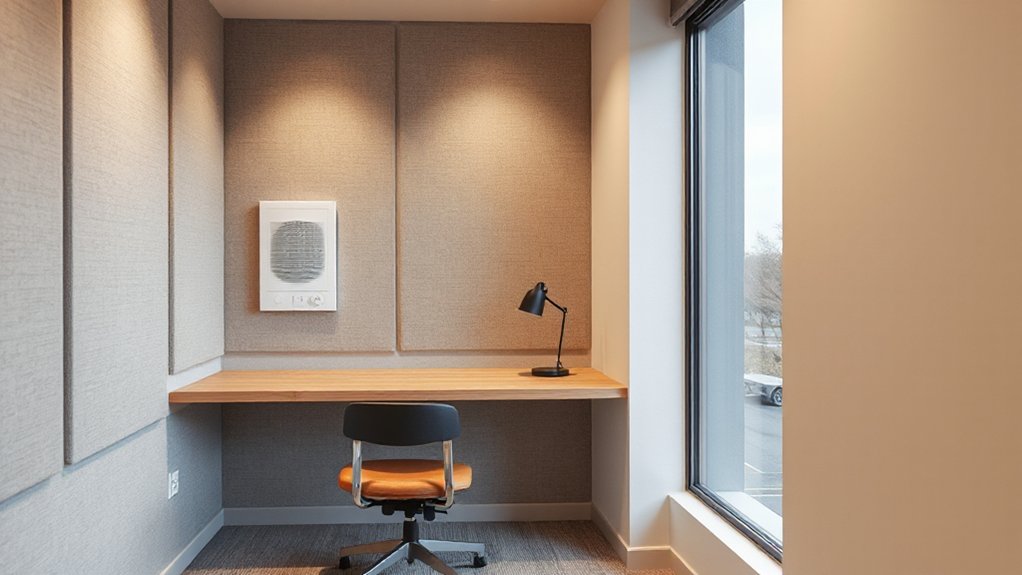
You’ll start with Temperature Zoning Basics to tailor comfort across rooms, balancing energy use with occupant needs.
Acoustic Comfort Essentials then takes center stage, highlighting soundproofing and reverberation control as a selling point for tenants seeking quiet spaces.
Climate Control Ergonomics ties it together, focusing on intuitive controls, responsive heating and cooling, and seamless integration with smart devices for a streamlined living experience.
Temperature Zoning Basics
Temperature zoning lets you tailor comfort for different rooms or zones, delivering precise heating and cooling where it’s most needed while optimizing energy use. You’ll gain tighter control, faster comfort, and lower bills, all while supporting a modern HMO footprint that appeals to remote workers seeking efficiency and consistency.
- Define zones by use and occupancy to align heat output with daily rhythms
- Pair smart thermostats with room sensors for responsive adjustments
- Prioritize doors and insulation to minimize thermal leakage and drafts
- Integrate personalized décor accents that don’t compromise climate control
- Leverage natural lighting to influence perceived temperature and mood
This approach supports trend-aware, market-ready spaces with crisp comfort and efficiency.
Acoustic Comfort Essentials
Even in a well-insulated HMO, acoustic comfort matters as much as temperature control, because sound quality shapes perceived livability and productivity. You’ll prioritize rooms that minimize external noise and indoor disruption, creating spaces where focus stays sharp.
Start with soundproof windows to reduce street, transit, and neighbor chatter, then pair them with precise sealing and drift-resistant frames.
Acoustic panels go beyond aesthetics, absorbing mid and high frequencies to soften echoes and fatigue, especially in shared areas and offices.
Consider corridor and door acoustics by using solid-core doors and threshold seals.
Layout matters: position common work zones away from noisy entries and appliances.
Finally, monitor, measure, and adjust—quiet zones, HVAC hum, and speaker placements should support steady, comfortable ambient levels for extended work sessions.
Climate Control Ergonomics
Building on the emphasis on sound-friendly spaces, climate control ergonomics combines precise temperature management with acoustic awareness to boost comfort and productivity. You’ll balance comfort with performance by pairing responsive controls with quiet operation, ensuring steady conditions that support focus and sleep cycles.
- Optimize air flow with directional vents to minimize noise while maintaining even temperatures
- Use smart thermostats for automatic schedule shifts aligned to remote work patterns
- Monitor air quality to prevent stuffiness that hampers concentration
- Choose low-noise HVAC components and vibration dampers for a calmer room
- Integrate clean, simple interfaces that reduce decision fatigue during work hours
Smart thermostats, air quality monitoring, and consistent acoustics drive sustained productivity and tenant appeal.
Safety and Compliance in Shared Houses
Are you meeting safety and compliance expectations in your shared house every day? In this market, proactive governance matters as much as design. You’ll want clear occupant responsibilities, documented safety protocols, and visible compliance signs that reassure tenants and inspectors alike.
Prioritize fire safety with accessible extinguishers, clear evacuation routes, and regular drills that fit remote workers’ schedules. Build a compliance playbook covering occupancy limits, gas and electrical checks, and data privacy for shared spaces.
Use authentication-minded access controls and keep records tidy for auditor reviews. Align policies with local housing codes and lease clauses to reduce risk.
This approach signals reliability to tenants seeking stable live-work environments while protecting your investment and reputation in a competitive market.
Budget-Friendly Renovation Playbook for Landlords
If you’ve gotten safety and compliance nailed in your shared-house approach, you can channel that discipline into a budget-friendly renovation playbook that protects margins while boosting appeal. You’ll focus on targeted upgrades that pay off in rentability and speed, aligning with remote work challenges and budget planning.
Prioritize modular, durable finishes and flexible layouts that adapt to evolving work setups.
- Upgrade common spaces with multitask lighting and acoustic panels
- Install affordable, durable flooring and quick DIY refreshes
- Create adaptable work nooks without major reconfiguration
- Prioritize energy efficiency to lower operating costs
- Leverage tenant-approved tech hooks and connectivity upgrades
Real-World Case Studies: Remote-Worker HMO Setups That Work for Tenants
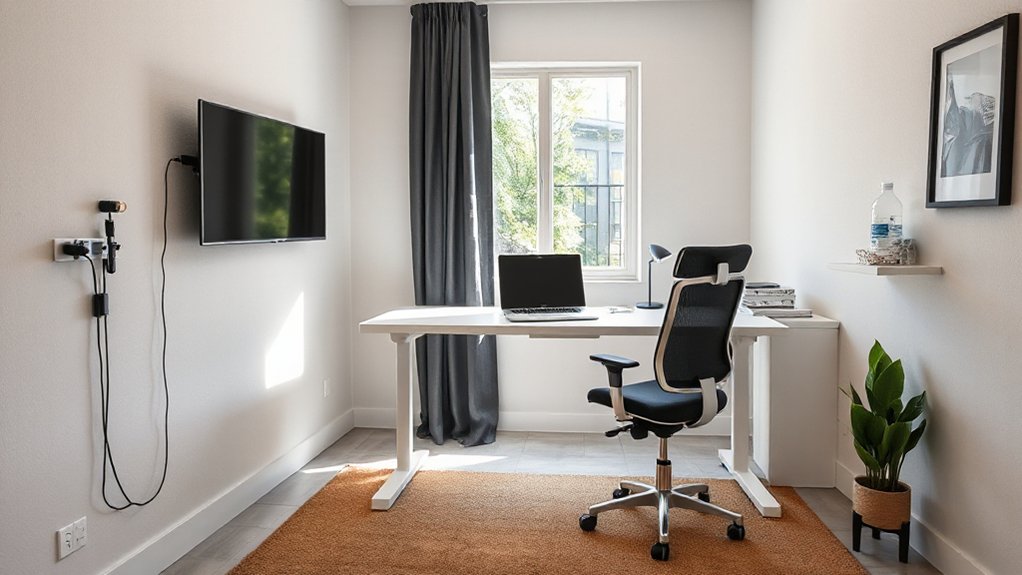
Remote-work trends are reshaping HMOs, and real-world setups show how tenants value clear work zones, sound control, and reliable connectivity without sacrificing social living. You’ll see cases where efficient layout prioritizes designated desks, quiet corners, and robust acoustics, so you can focus during work hours and still join shared activities after.
In practice, successful schemes pair compact private spaces with communal hubs, enabling seamless remote team collaboration across a houseful of colleagues. Builders emphasize modular furniture, adjustable lighting, and ample electrical access to power monitors, laptops, and chargers without clutter.
Virtual meeting setups stay reliable thanks to dedicated network gear, wired backbones, and strategic router placement. These case studies illustrate scalable viability, cost efficiency, and tenant satisfaction—core signals for landlords pursuing competitive, modern HMO packages.
Frequently Asked Questions
How to Measure a Room for Ergonomic Desk Placement?
You measure a room by noting length, width, and ceiling height, then mark desk placement for ergonomic chair placement and ideal desk height, ensuring glare-free lighting and clear knee space for comfort in tight spaces.
What Budget Split Is Best for Shared Utility Upgrades?
“Two heads are better than one.” For shared utility upgrades, you should split costs by function and usage, then align with budget planning; allocate 40/40/20 to core utilities, contingencies, and phased improvements to stay market-ready.
How to Schedule Quiet Hours Without Harming Social Vibe?
You schedule silent hours to protect focus, while hosting optional socials outside those windows for social balance; communicate clearly, monitor noise levels, and adjust as needed to maintain a productive, trend-aware, market-friendly living environment.
Which Plants Improve Air Quality in HMOS on a Budget?
Indoor greenery, indoor air purifying plants, instantly improve your budget-friendly HMO. You’ll curate cost-conscious, carbon-cutting charm with clever choices; choose affordable, air-cleaning options, and you’ll see sparse spaces subtly spark healthier, happier, high-demand habitats.
How to Handle Landlord Approvals for Quick Room Reconfigurations?
You should guide tenant communication early and transparently, then start the permit process promptly, ensuring landlord approvals are documented. You’ll streamline approvals, mitigate delays, and keep stakeholders aligned as you reconfigure rooms within compliance and market-ready timelines.
Conclusion
As you tilt the ship of your HMO toward remote work, imagine a lighthouse guiding ships through fog. Your layout orients the crew, its zones like stacked cabins—work, rest, and chat—safely tethered by smart, affordable gear. The sails catch every breeze of demand: quiet corners, ergonomic comforts, and tidy storage. When tenants arrive, they don’t just rent space—they join a well-turnished harbor where productivity, wellbeing, and community anchor together. Your property becomes the beacon, profitable and human.